NZ Digital Scale DA-20 20 x 0.001g
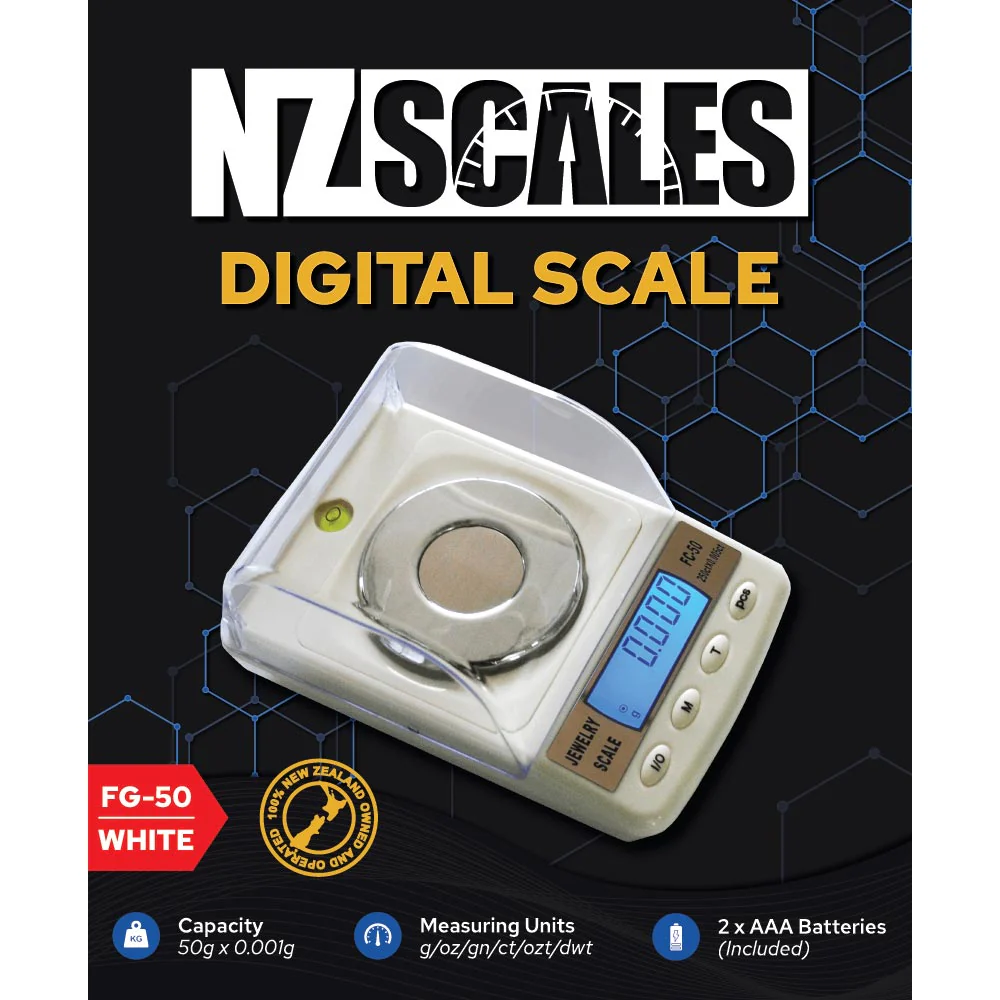
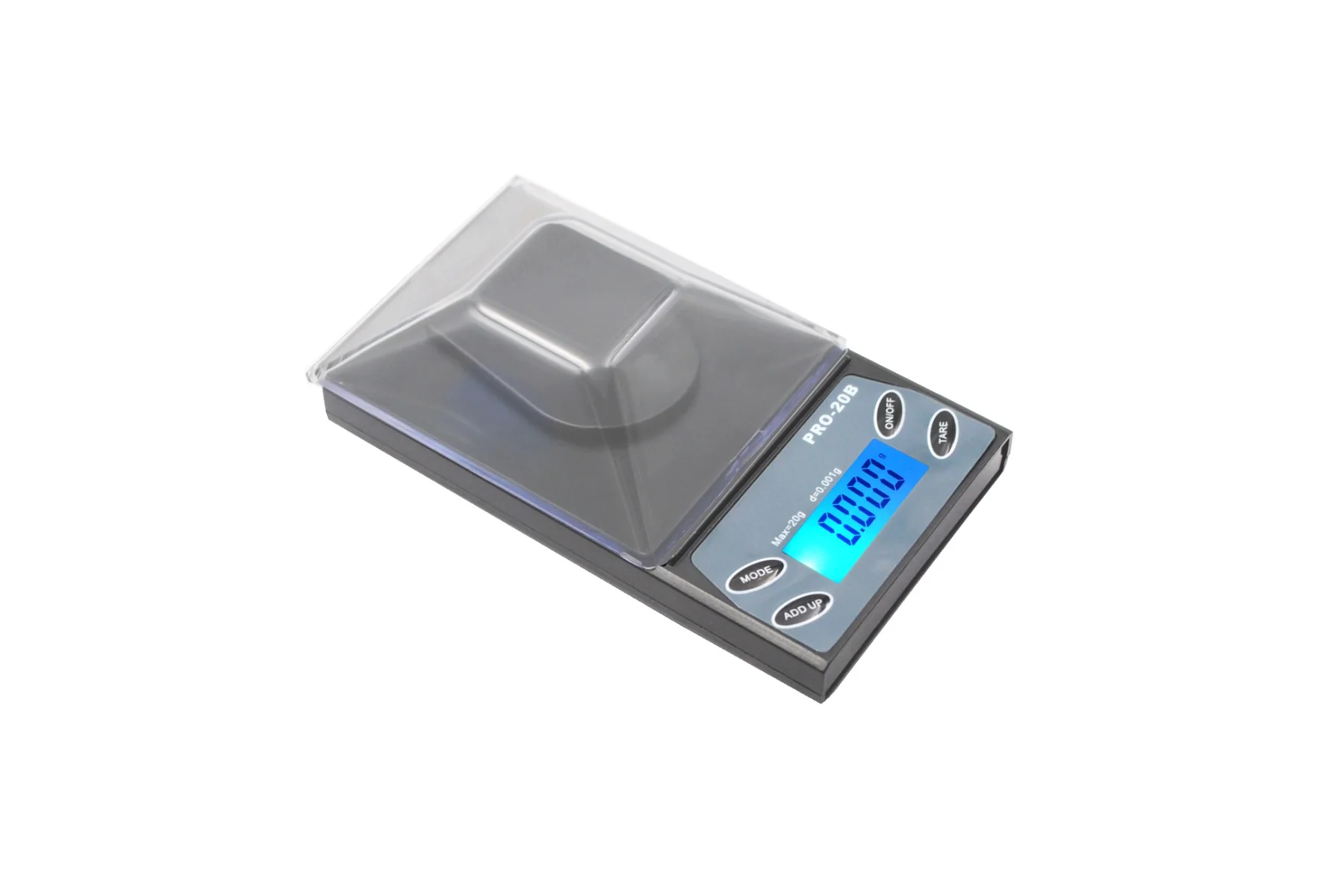
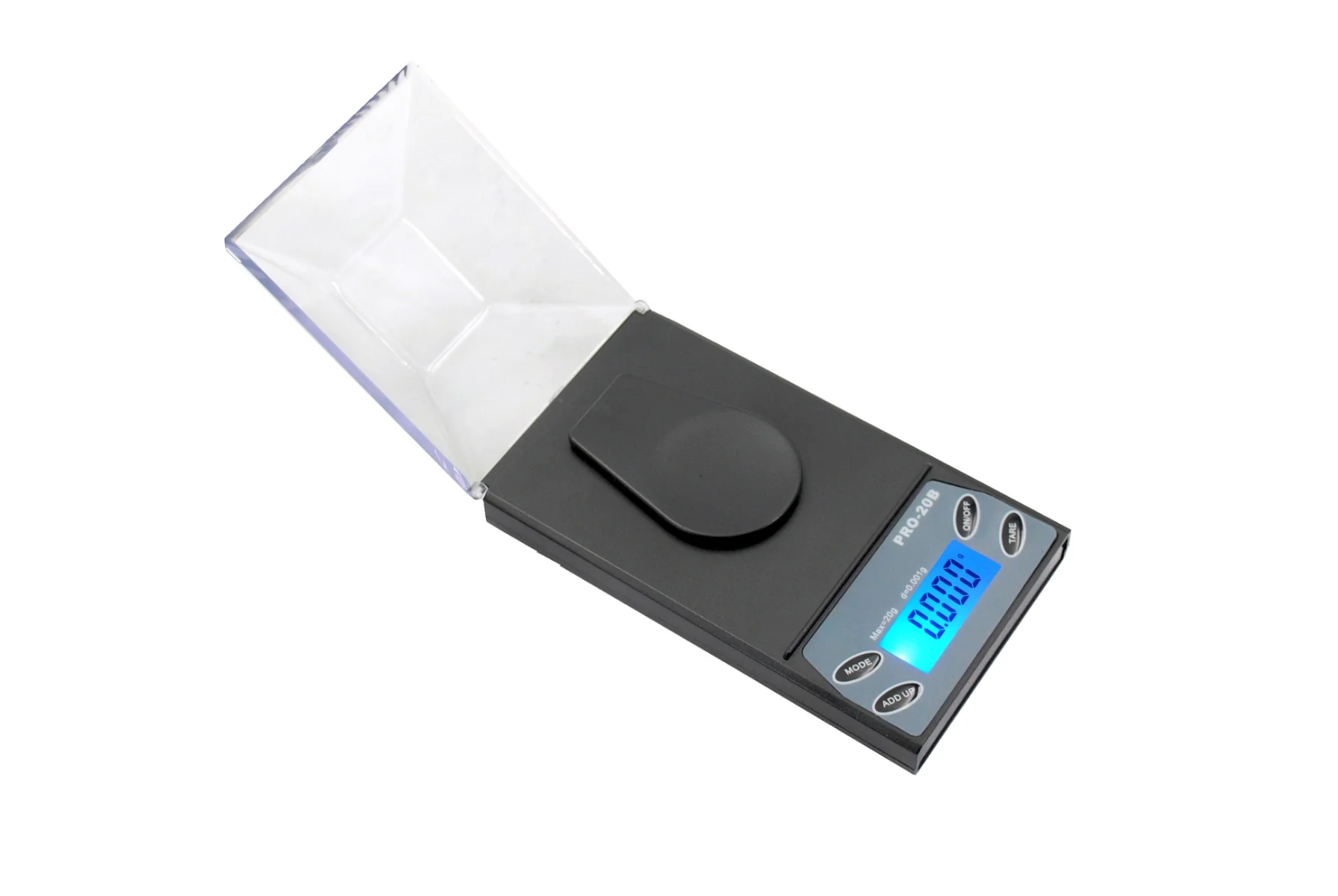
This little scale is one of the hottest and most economical scales on the market today! the removable cover keeps the scale protected when not in use and also doubles as an expansion tray. just replace the plastic cover when you’re done using it, and you can safely toss the scale in your handbag or pocket with no worries.
Note: Color may change subjective to stock availability **
Features:
- 4 x AAA batteries (Included)
- Energy saving auto power off function (60 seconds off)
- Capacity: 20g x 0.001g
- Units: g/gn/ct/dwt
- Scale Size: 115.2 x 65.5 x 35mm
- Platform Size: 52.4 x 35mm
Calibration:
- Turn on the scale.
- Press and hold the [M] key untill the LCD display “CAL” , release the [M] key.
- Press [M] key again, the display will show “CAL” followed by the required calibration weight value.
- Place the required calibration weight on the center of the platform, the display will show “PASS” then return to the normal weighing mode.
Calibration is complete! You can turn off the scale.
Original: $67.13
-65%$67.13
$23.50Product Information
Product Information
Shipping & Returns
Shipping & Returns
Description
This little scale is one of the hottest and most economical scales on the market today! the removable cover keeps the scale protected when not in use and also doubles as an expansion tray. just replace the plastic cover when you’re done using it, and you can safely toss the scale in your handbag or pocket with no worries.
Note: Color may change subjective to stock availability **
Features:
- 4 x AAA batteries (Included)
- Energy saving auto power off function (60 seconds off)
- Capacity: 20g x 0.001g
- Units: g/gn/ct/dwt
- Scale Size: 115.2 x 65.5 x 35mm
- Platform Size: 52.4 x 35mm
Calibration:
- Turn on the scale.
- Press and hold the [M] key untill the LCD display “CAL” , release the [M] key.
- Press [M] key again, the display will show “CAL” followed by the required calibration weight value.
- Place the required calibration weight on the center of the platform, the display will show “PASS” then return to the normal weighing mode.
Calibration is complete! You can turn off the scale.